Game Instructions
This package is an R rendering of a popular peg game in the 1970s and 1980s called Mastermind.
Objective
The codemaker (the computer in this implementation) creates a secret code, and the player (the codebreaker) tries to guess it within a limited number of attempts.
Setup
The code consists of a sequence of four colored pegs randomly generated by the computer. There are six colors to choose from. Colors can be repeated in the code.
Gameplay
- The player (the codebreaker) makes a guess by placing 4 pegs in a row.
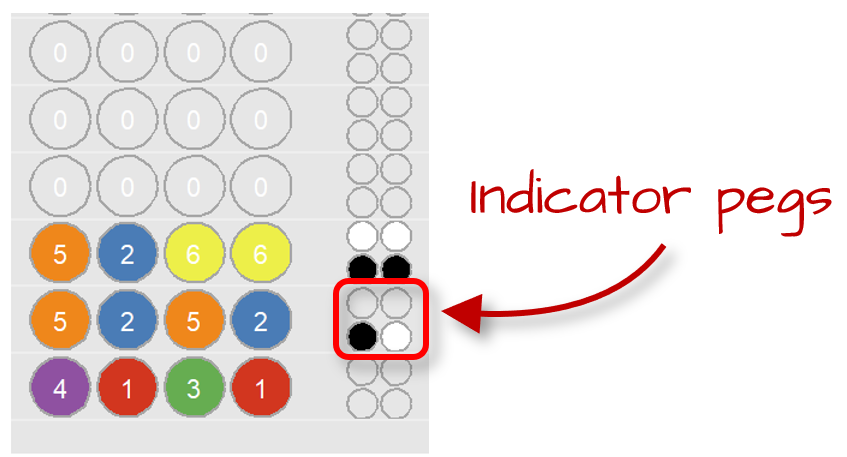
- After each guess, the codemaker provides feedback using small indicator pegs:
- Black peg: A correct color in the correct position.
- White peg: A correct color but in the wrong position.
- No peg: Color not in the code.
- The feedback pegs are not provided in positional order, so the player knows how many pegs are correct but not which ones.
The player wins by guessing the exact sequence within the allowed number of turns (10 by default).
Implementation
The package offers two implementations of the game. One uses the R console to record the player’s choice of color pegs, and the other uses of the Shiny interactive interface.
Command prompt implementation: play()
The command prompt can be called via the play() function. It has two optional arguments: the number of attempts (attempts) and a seed (seed) to make the code reproducible. An example of a session follows
- Start the game
play()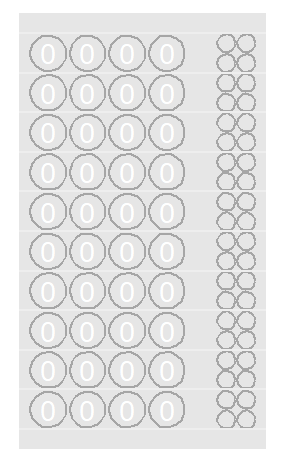
- Start with an initial guess. Use numbers to define the colored pegs. For example
3 2 1 1for green, blue, red, and red.
[Row 1/10] Guess (4 numbers from 1–6): 3 2 1 1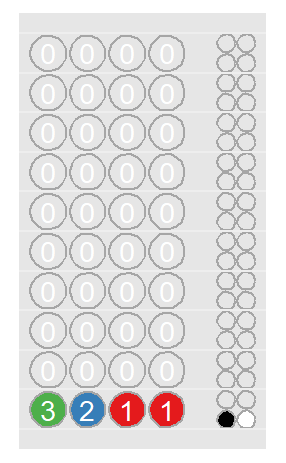
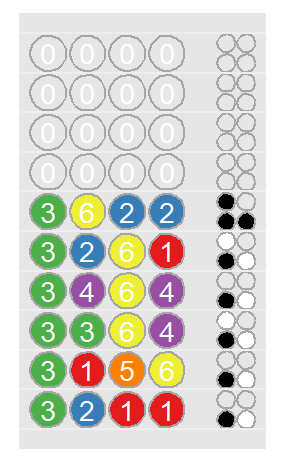
The feedback pegs indicate that one of the colored pegs is correctly placed, another is the right color but in the wrong position, and the remaining two are incorrect.
Next, we try another combination of colors. We’ll make a guess about which colored pegs to keep and which ones to move.
[Row 1/10] Guess (4 numbers from 1–6): 3 1 5 6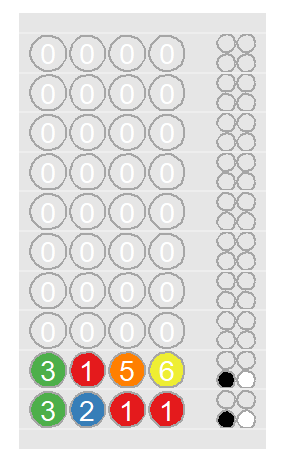 There is no change in the feedback pattern.
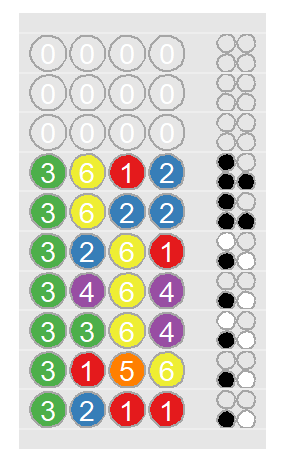
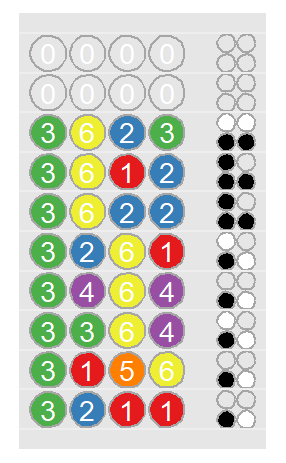
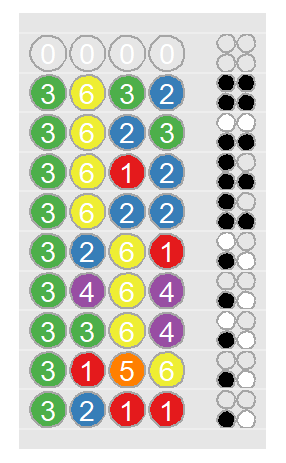
The objective is to experiment with different color combinations until you discover the correct code, before you run out of attempts. Below is an example sequence of guesses that ultimately leads to a successful solution:
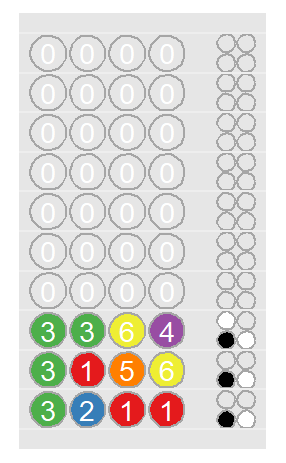
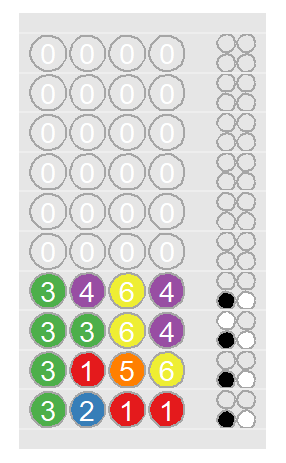
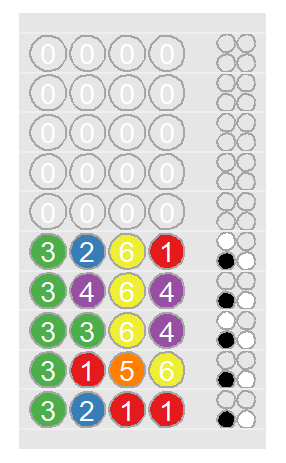
Shiny implementation: play_shiny()
This implementation provides a user-friendly graphical interface for the game. You can launch it by calling play_shiny() function.
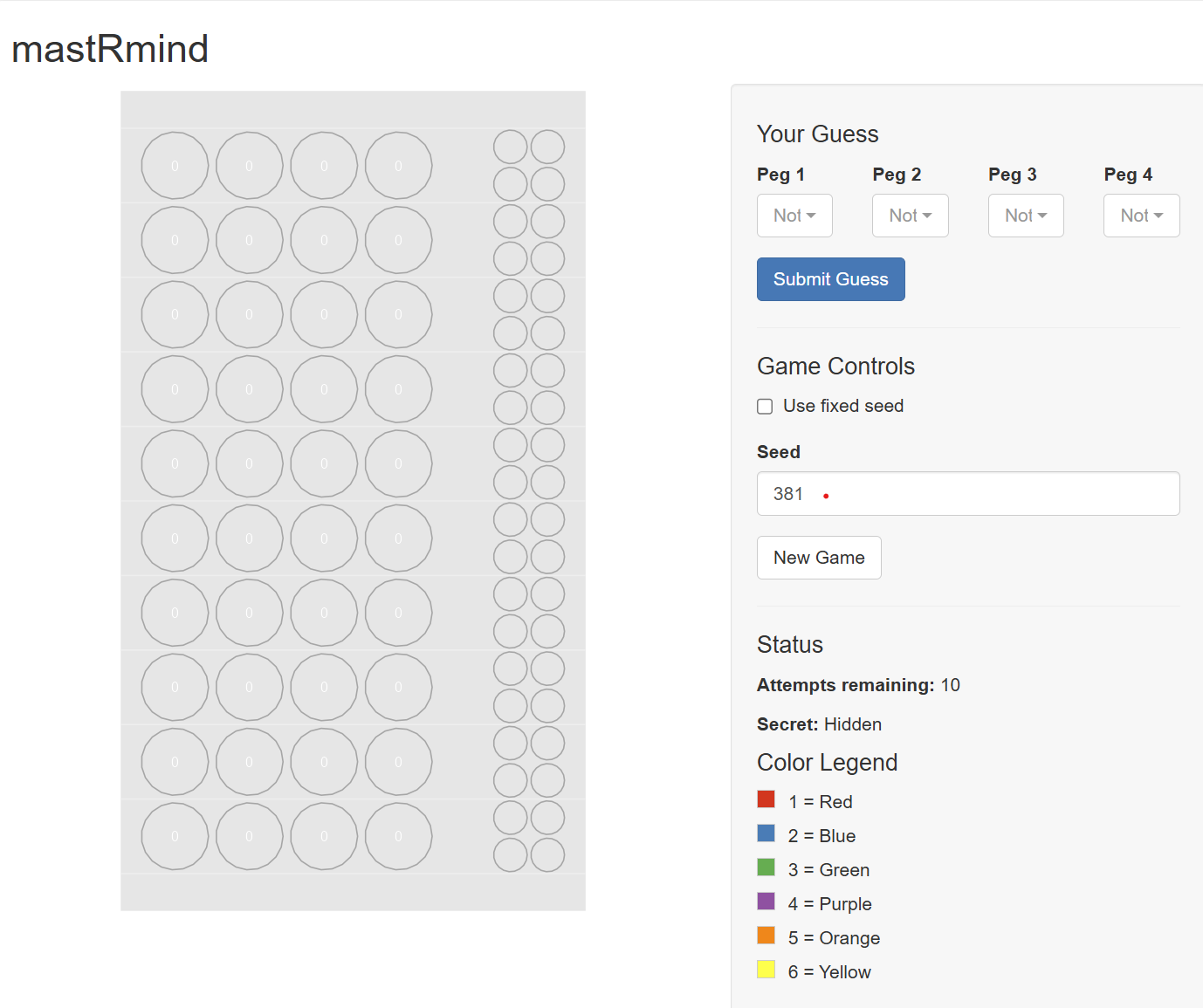
The interface is divided into two main parts:
- The Game Board (Left): This displays the history of your guesses and the feedback pegs. Each row represents one of your attempts.
- The Control Panel (Right): Here you can make your move and control the game.
Stopping the Application:
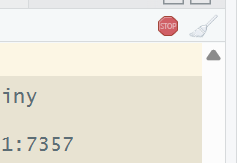
To stop the running Shiny application, simply close the browser window or tab where it is displayed. If the R process continues to run in the background (which can sometimes happen in RStudio), you can explicitly stop it by clicking the red “Stop” button in the RStudio console pane.